 Help CentreBack to nineten.aiHelp CentreBack to nineten.ai
For NineTen AI clients. You need Claude and your NineTen AI connector.
5 short steps in your portal
A lead replies, the message sits in one inbox, and you answer two days late. Before you look, NineTen AI has read and tagged the reply, and stopped or delayed that person's campaign emails. If you joined Telegram alerts, a message has named the lead. If AI replies are on, a draft may be waiting. Here is how to answer.
Step 1 of 5
Home shows your three newest warm replies, and how many people replied this week.
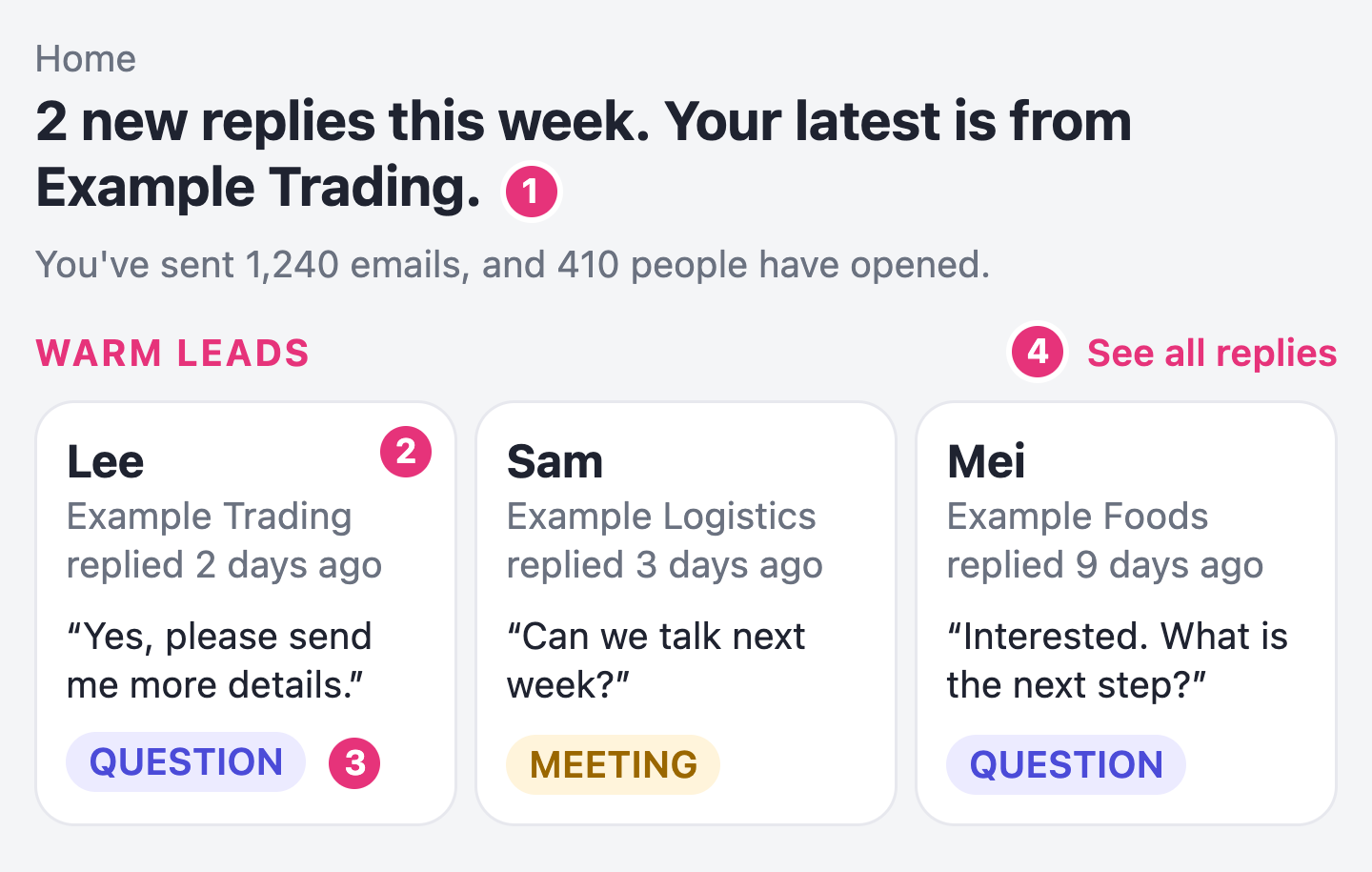
A line that says how many people replied, and a card for each warm reply.
Step 2 of 5
Home shows one line. Inbox holds the whole conversation.
The whole conversation on the right, with your emails and their replies in order.
Step 3 of 5
The reply box sits under the conversation. Your answer goes out from the mailbox the reply came to.
Your answer in the conversation, marked sent.
Step 4 of 5
The cards on Home cannot be clicked, so go through My leads.
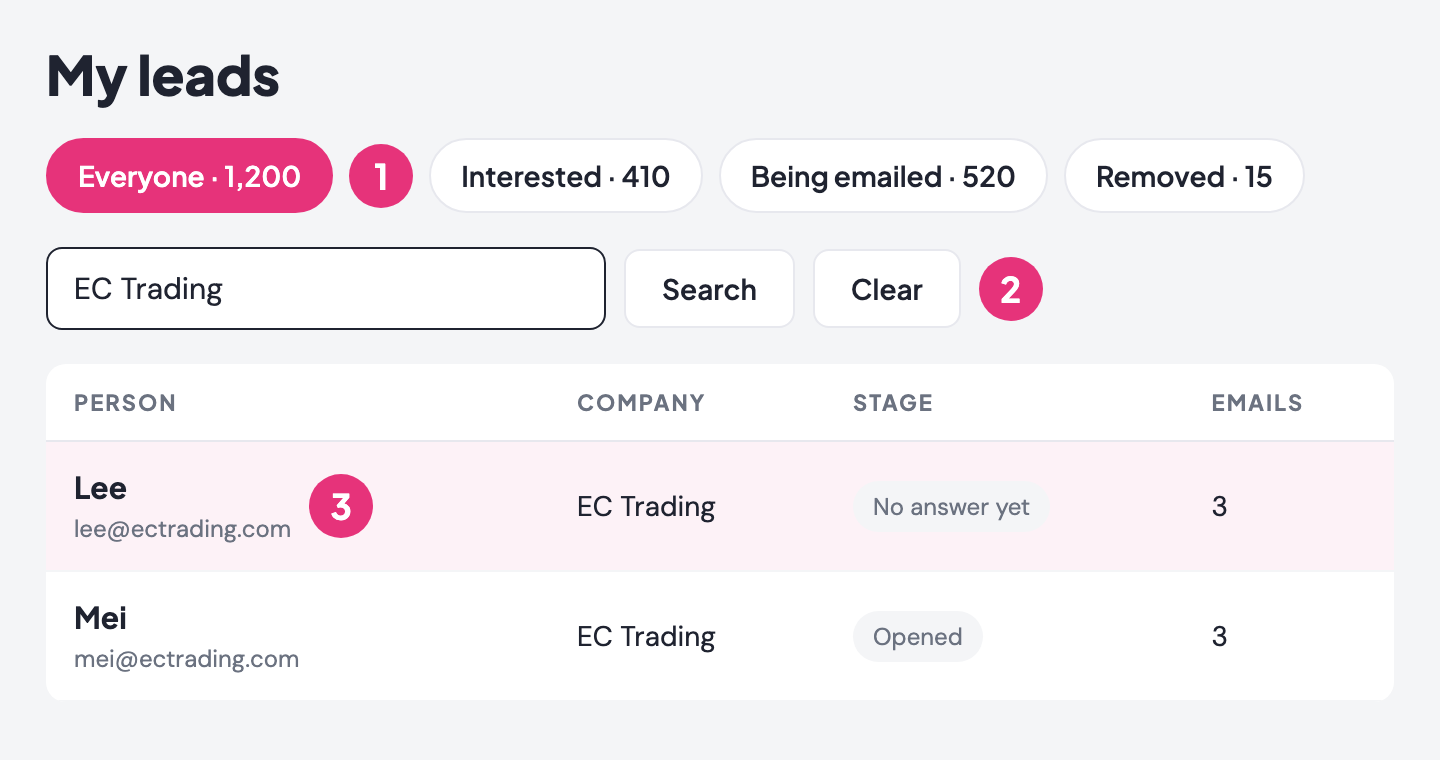
Their record open on screen. It lists the emails you sent, when they opened them, and the first line of their reply.
Step 5 of 5
The record has four buttons for your own notes.
Your choice highlighted, with a line that says Saved and an Undo button.
Check Home each day for new replies. Answer in Inbox, then mark the lead once you know how it went. For more habits, read Best practice for handling replies.
Stuck? Send us a screenshot on WhatsApp.